
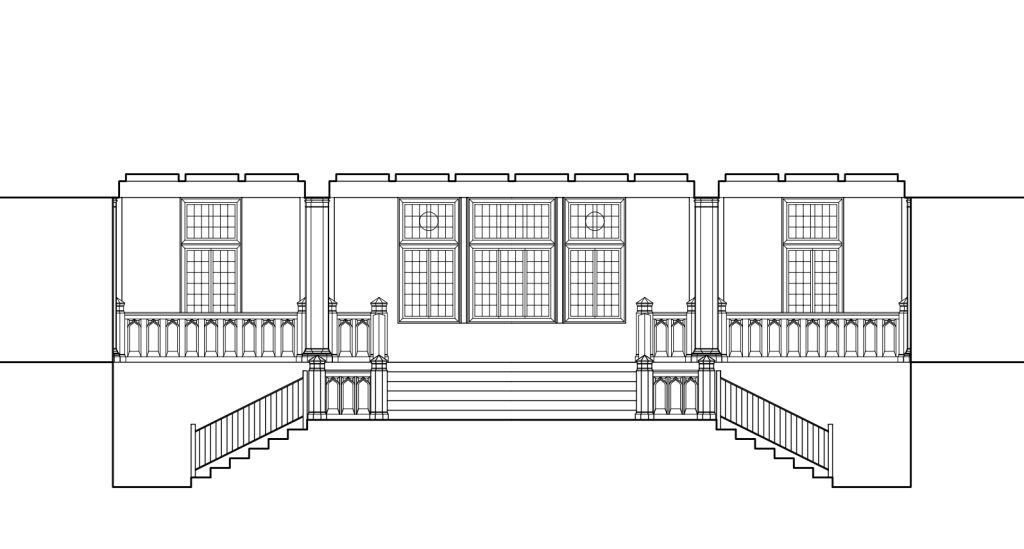
ARCH 034: In our increasingly visual world we often need to present ideas in realistic, expressive, and engaging ways. This introductory course presents the basics of digital drawing and rendering through the lens of architecture, but is intended for students of all disciplines interested in visual communication. This project-based course focuses on the essentials of AutoCAD, SketchUp, and Revit supplemented with V-Ray and Photoshop for rendering.
Revit Tutorial House
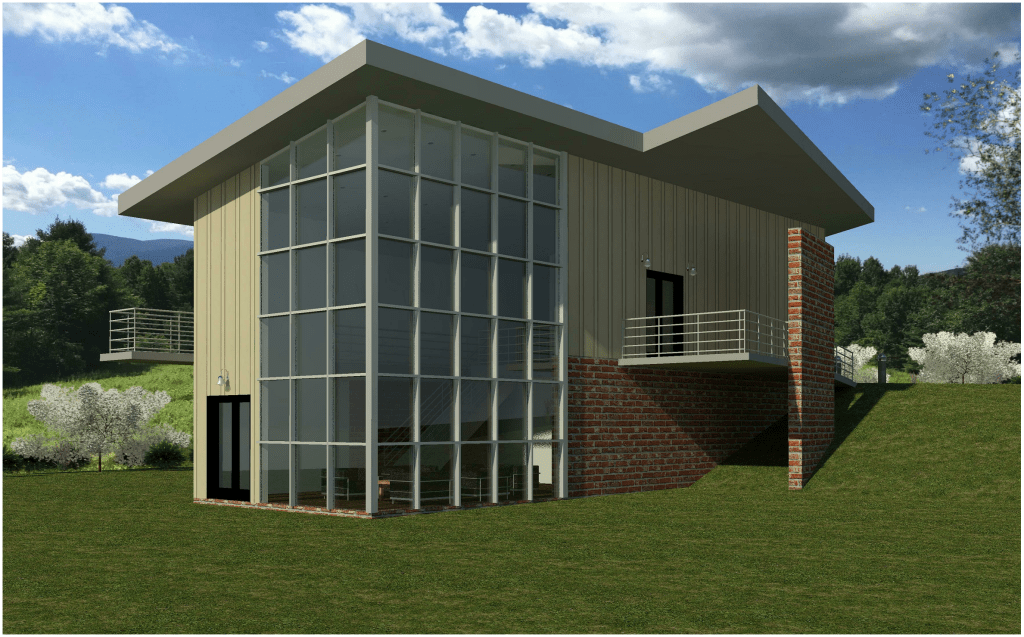
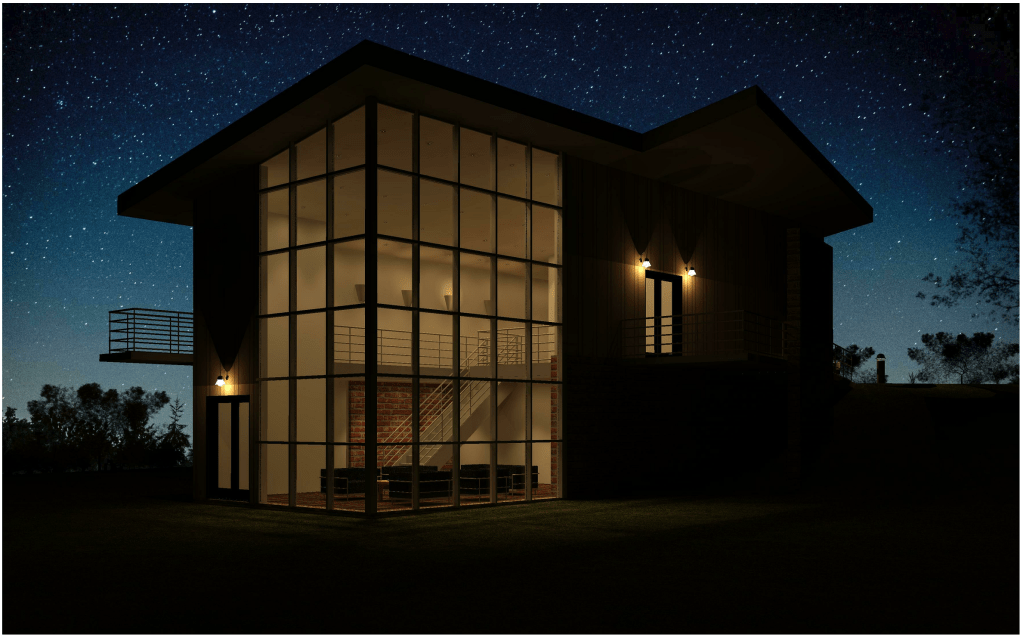
We followed Revit’s video tutorial on how to build a house to introduce ourselves to the commands and conventions of the program. Once the house was constructed, each of us were responsible for finding patterns and backgrounds to add to our renderings. We were further encouraged to experiment with the integrated tools to set a location and time of day for renderings including lighting.
Final Project: Building Development

Our final project was an exercise in development; each student was given the same lot, based on real empty lot in town, to design a building upon. We were given minimal criteria: it had to have at least 3 floors, and had to have both some kind of public portion and a residential portion; it was as much a design as a drafting.
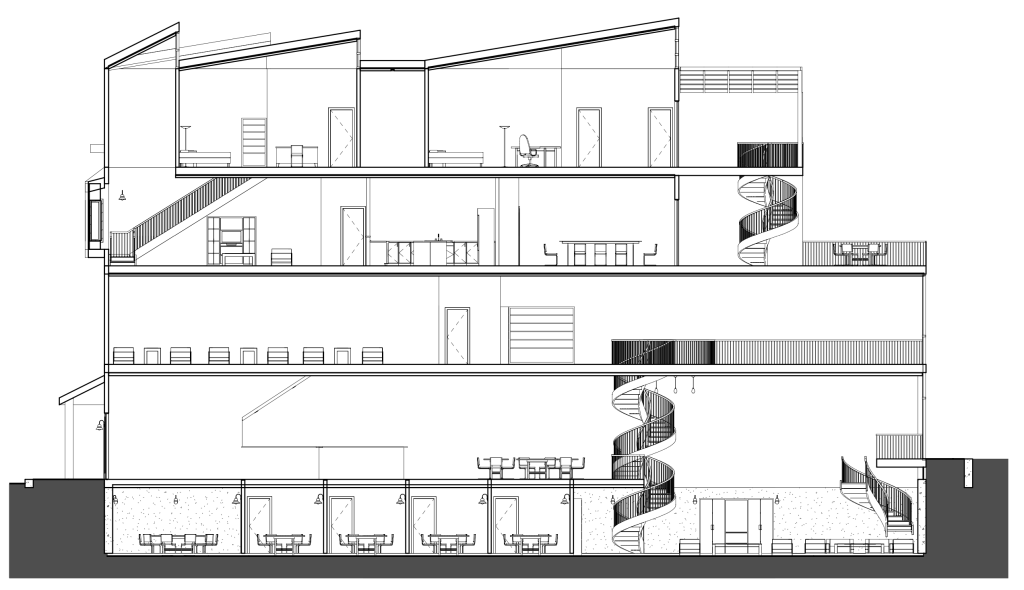
My building held a 2-floor residence above a board-game café and lounge. The café spanned the basement with individual board game rooms, the ground floor register and coffee bar, and the second floor lounge with bay window nooks. The third floor was the first residential floor with a kitchen, dining room, and porch; the top floor had bedrooms and a covered balcony.
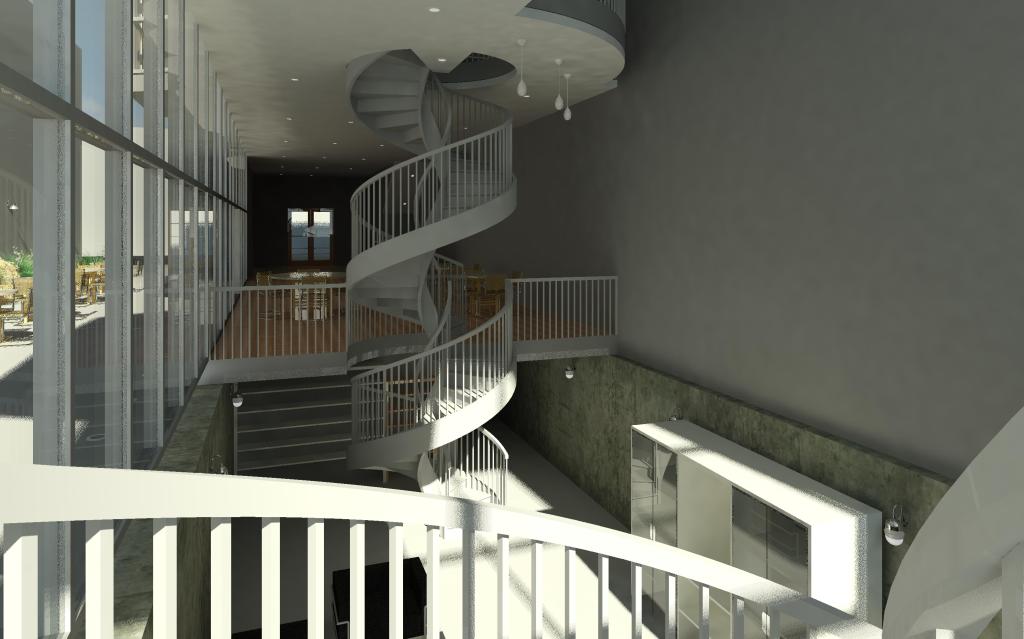
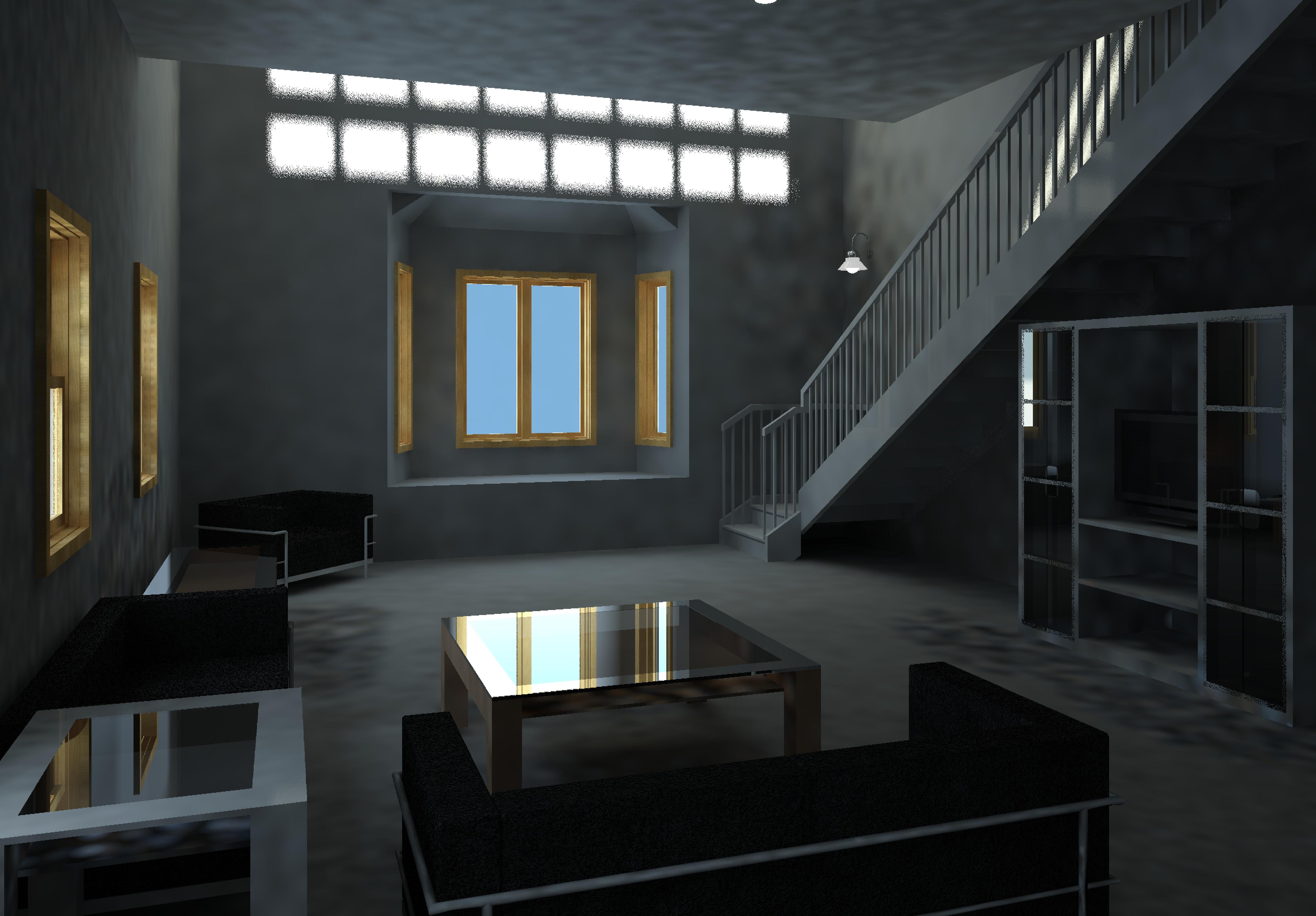
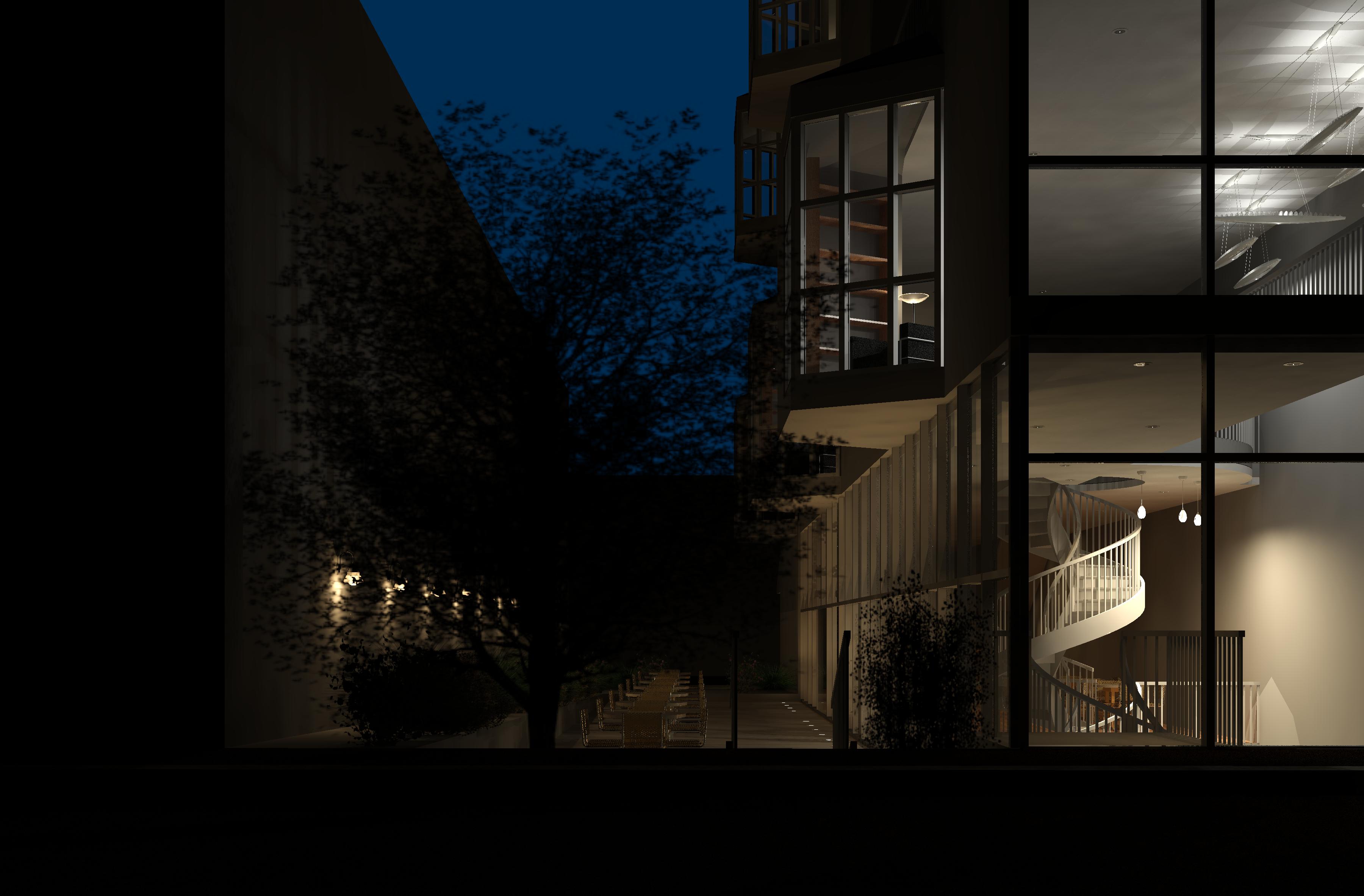
Similar to the tutorial house, I adjusted the time-of-day settings to create interesting renderings that showcased unique elements of my building, like the spiral staircase to the basement pit and the light cast from the sawtooth roof in the living room. The nighttime rendering served as a showcase of the light fixtures.
 AIDEN GALBRAITH